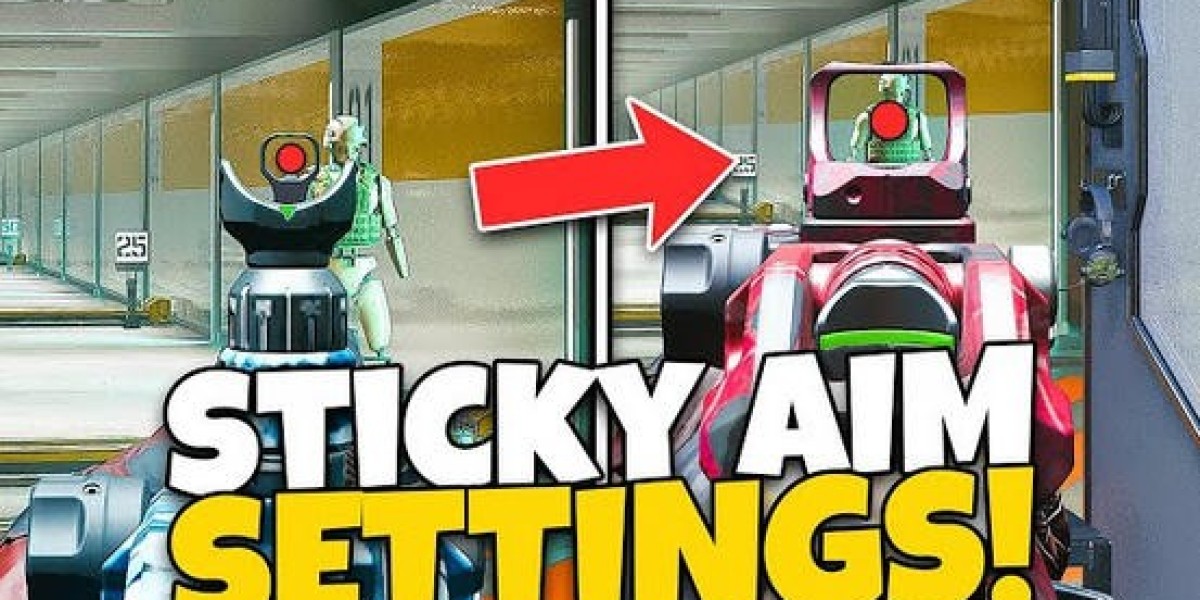

If you’ve ever noticed your shots hitting the side of an enemy instead of landing directly, or if your aim assist feels weak, you’re not alone. Optimizing your settings can make a huge difference in accuracy and responsiveness. In this guide, I’ll share my full settings and explain exactly what I use to achieve the stickiest aim possible.
Graphics Settings
Field of View (FOV):
Your FOV is personal preference. Too high and it feels weird; too low and it feels slow. Experiment to find the FOV that feels most natural to you.
ADS Field of View:
Independent: Makes enemies appear larger while aiming, ideal if you struggle with accuracy.
Affected: Feels faster and smoother, suitable if your aim is already consistent. I personally use Affected.
Motion Blur:
Turn off World Motion Blur and Weapon Motion Blur to avoid distractions. Motion blur can make your aim feel off and distort your perception of movement.
Camera Movement (First Person):
Lower this as much as possible (around 50). High camera shake interferes with aiming and can make it harder to control your shots.
Interface Settings
Readability / Color Customization:
Use Color Filter 2 to make enemies stand out more. Red and blue elements in the game pop more clearly, making enemy spotting easier.
World Color Intensity:
Set to 100 for more vivid visuals and better clarity.
Crosshair:
Enable the center dot, set it to yellow, largest size, and 100% opacity. This allows you to line up shots even when sprinting or moving, improving first-shot accuracy significantly.
Controller Settings
Button Layout:
I use a custom layout with tactical sprint assist turned on. This allows sprinting without pressing L3, and jump/slide actions mapped to R3/L3 for smooth mobility.
Shooting Buttons:
R1 and L1 for shooting—faster than R2/L2, giving milliseconds advantage in gunfights.
L2/R2 reserved for lethal/tactical equipment.
Sensitivity:
Horizontal and vertical sensitivity: 1.65 (adjust slightly depending on comfort).
Avoid going above 1.75 or below 1.40 for best control.
Vibration & Trigger Effects:
Turn off controller vibration to prevent thumb movement from interfering with aim.
Disable trigger effects for faster, more precise shooting.
Stick Settings:
Left Stick Minimum: 0 (unless stick drift occurs)
Left Stick Maximum: 40–70 depending on desired movement speed
Right Stick Minimum: 5 (not zero) to maintain smooth aim assist
Right Stick Maximum: 100 for full responsiveness
Aiming Settings
Aim Assist Strategy:
Always move while aiming to activate rotational aim assist. For example, if moving left, nudge the right stick slightly right. This maximizes aim stickiness.
Aim Down Sight (ADS) Sensitivity:
Gradual is recommended for a smooth transition. Instant slows ADS abruptly, which feels unnatural unless you always have the center dot perfectly aligned.
Aim Response Curve Type:
Choose Dynamic (0.80) or Standard (1.0). Dynamic at 0.80 gives a balanced, smooth feel closer to standard while retaining rotational benefits.
Custom Sensitivity per Zoom:
Keep low zoom (3x) around 0.95 to avoid awkward handling in close-range fights.
Final Tips
Stick to consistent movement while aiming to make aim assist feel stronger.
Use the center dot to pre-align your shots before ADS.
Experiment with sensitivity and FOV to match your personal comfort.
Avoid unnecessary visual effects like motion blur to keep visuals crisp.
With these settings, your aim assist will feel sticky, precise, and responsive, giving you a significant edge in Black Ops 7 gunfights. Remember, it might take a few days to get used to some of these changes, but once you do, you’ll likely never go back.
For more info, please feel free to browse U4GM! Also, cheap Bo7 Bot Lobby Service for sale here that can help you easily rack up high kill counts (often 150-300+ per game), complete challenges, unlock camos (like Gold, Diamond, or Dark Matter), max out weapon levels, boost K/D ratios, and farm XP or achievements.