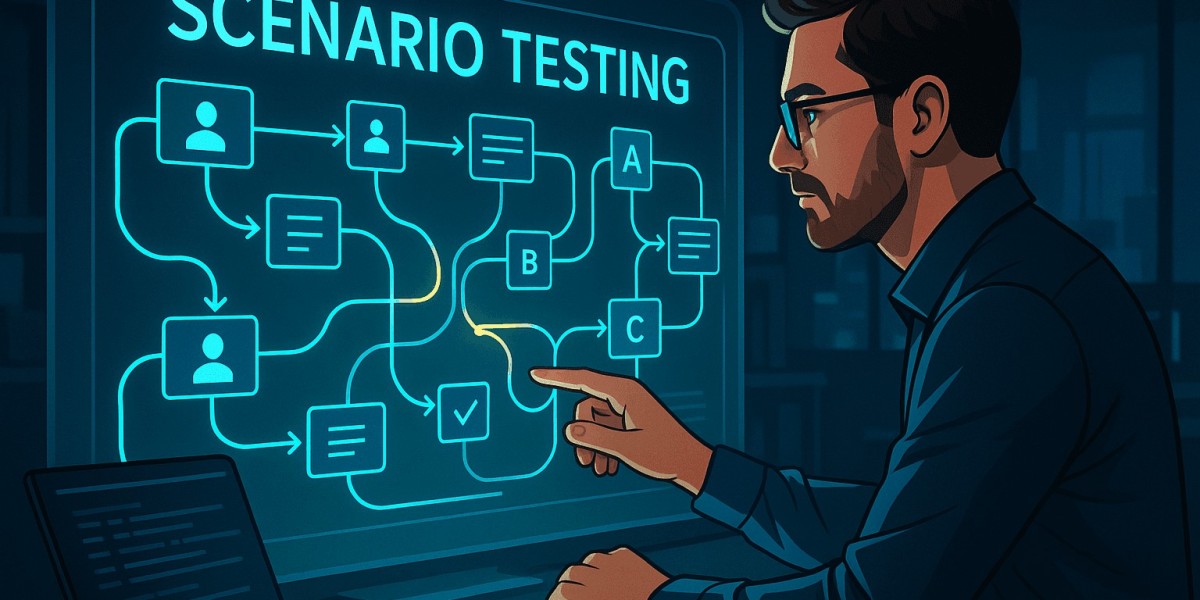

In the realm of software quality assurance, traditional unit tests and functional checks are essential—but they don’t always capture how real users interact with applications in everyday use. That’s where scenario testing comes in. It bridges the gap between technical validation and user reality by evaluating systems through real-world scenarios that mimic actual user behavior.
For a deeper understanding and examples, check out this comprehensive guide on scenario testing.
What Is Scenario Testing?
Scenario testing is a software testing approach that simulates real-world user workflows and business processes to ensure that the system behaves correctly under realistic conditions. Instead of focusing on isolated functions or individual features, scenario tests evaluate how different components work together to support user tasks end to end.
These tests are written from the user’s perspective, prioritizing realistic application behavior and business value over technical minutiae.
Why Scenario Testing Matters
Scenario testing brings value to the QA process in several ways:
1. Realistic Validation
While unit and integration tests verify individual parts of the system, scenario testing ensures that the system as a whole supports the workflows users actually perform.
2. Higher Confidence in Releases
By simulating real use cases before deployment, teams can uncover defects that might be missed by traditional functional tests—especially those arising from complex interactions or uncommon paths.
3. Business-Driven Quality
Scenario testing aligns software validation with business goals by focusing on key user journeys such as signup, purchase, checkout, or content publishing.
4. Better Collaboration with Stakeholders
Because scenarios are written in plain language that describes user activities, non-technical stakeholders like product owners and business analysts can understand and contribute to the validation approach.
Key Elements of Scenario Testing
A well-designed scenario test typically contains:
- User Story Context: Narrative describing the user and the situation.
- Preconditions: What must be true for the scenario to begin.
- Steps: Logical flow of user actions.
- Expected Outcomes: What the user should experience at each key point.
- Data Requirements: Inputs or test data needed to complete the scenario.
Example of a Scenario Test
Here’s a sample scenario test for an e-commerce application:
Scenario: User completes a purchase with discount applied
- Precondition: User has an account and a valid coupon.
- Steps:
- Log in to the application.
- Add items to the cart.
- Apply discount coupon.
- Proceed to checkout.
- Enter shipping and payment details.
- Confirm the order.
- Expected Outcome: Order is placed successfully with the discount applied and confirmation displayed.
This scenario tests not only individual functions like login or payment processing, but also how they work together in a real use case.
Scenario Testing vs. Other Testing Types
Testing Type | Focus | Example |
Unit Testing | Individual functions or methods | Validate input validation method |
Integration Testing | Interaction between modules | Test checkout service calling payment API |
Functional Testing | Specific features | Verify login feature works with correct credentials |
Scenario Testing | End-to-end user flow | Simulate full purchase process |
Scenario testing complements other testing types rather than replaces them. Together, they form a robust validation strategy.
Best Practices for Effective Scenario Testing
To make the most of scenario testing:
1. Align with Real User Behavior
Design scenarios based on typical user journeys, business rules, and analytics insights.
2. Include Positive and Negative Paths
Validate both success paths and situations where users make mistakes or encounter errors.
3. Prioritize Scenarios by Impact
Focus on critical workflows that directly impact revenue, user satisfaction, or compliance.
4. Automate Where Appropriate
While some scenarios require manual testing (especially exploratory paths), automating repeatable scenarios boosts efficiency.
5. Keep Scenarios Up to Date
As application features evolve, update scenario tests to reflect new or changed behavior.
Challenges in Scenario Testing
Even with its benefits, scenario testing can be challenging:
- Complex Design Effort: Realistic scenarios often require careful planning and a good understanding of user behavior.
- Dependency on Data: Validating full user journeys may require dynamic data preparation.
- Maintenance Overhead: As applications change, scenarios must be reviewed and updated so they remain accurate.
Despite these challenges, the insights gained from scenario testing make it a valuable part of comprehensive QA processes.
Conclusion
Scenario testing offers a user-centric approach to quality assurance by validating software through realistic workflows and real-world behavior. It helps teams catch issues that slip through isolated functional tests and provides stakeholders with confidence that the system truly supports the journeys that matter most.
For detailed examples, templates, and best practices, explore the resource on scenario testing.